
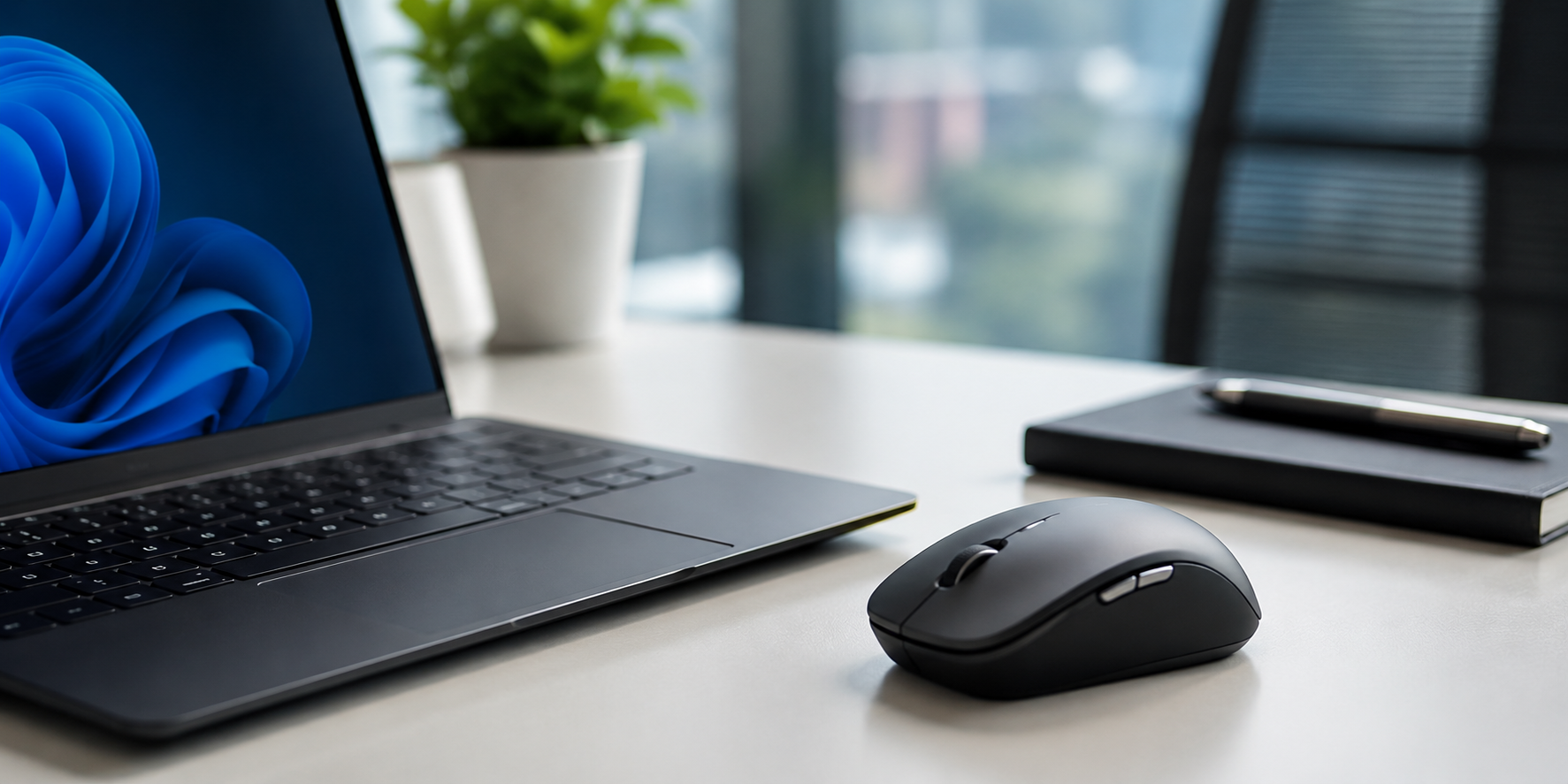
A wireless mouse has become an essential accessory for professionals, students, gamers, and everyday computer users. It offers freedom from cable clutter while improving comfort and productivity. Modern wireless devices are far more advanced than older models, delivering excellent responsiveness, long battery life, and ergonomic designs.
Whether you work from home, manage business tasks, edit content, or play games, choosing the right mouse can significantly improve your experience. Understanding the key features before buying helps you make a smarter decision and avoid spending money on a product that does not meet your needs.
In this guide, we will explore the seven most important wireless mouse features that contribute to smooth performance and long-term usability.
1. Reliable Wireless Connectivity
The primary advantage of a wireless mouse is cable-free convenience. However, smooth performance depends heavily on the quality of the wireless connection.
Modern devices use either Bluetooth technology or a 2.4GHz USB receiver. Both options offer stable connectivity, but premium models often provide lower latency and fewer connection interruptions.
A reliable connection ensures smooth cursor movement, accurate tracking, and consistent performance during work or gaming sessions. If you frequently attend meetings, travel, or work from different locations, dependable wireless connectivity should be your top priority.
2. High DPI Sensor Performance
DPI stands for Dots Per Inch and measures cursor sensitivity. Higher DPI allows the cursor to move farther across the screen with less physical movement.
For everyday office work, a DPI range between 800 and 1600 is usually sufficient. Designers, editors, and gamers may prefer adjustable DPI settings for greater precision.
A quality sensor provides accurate tracking on different surfaces and helps users maintain productivity without experiencing cursor lag or erratic movements.
Why Adjustable DPI Matters
Adjustable DPI allows users to switch sensitivity levels depending on the task. Lower settings are ideal for precision work, while higher settings support faster navigation across large screens.
3. Ergonomic Design for Comfort
Comfort is often overlooked when purchasing a mouse. However, users who spend several hours on a computer can experience wrist fatigue if the design is not ergonomic.
An ergonomic wireless mouse supports the natural position of the hand and reduces strain during prolonged use. Features such as curved grips, thumb rests, and balanced weight distribution contribute to better comfort.
Businesses and remote workers increasingly choose ergonomic models because they support healthier work habits and reduce discomfort during long workdays.

4. Long Battery Life
Battery performance is one of the most important considerations when selecting a wireless device.
Many modern models can operate for several months on a single battery, while rechargeable versions offer convenience through USB charging. Extended battery life minimizes interruptions and ensures consistent productivity.
The following table compares common battery options available in today’s market.
| Battery Type | Average Usage Time | Convenience Level | Best For |
|---|---|---|---|
| AA Battery | 6–18 Months | Medium | General users |
| AAA Battery | 4–12 Months | Medium | Portable devices |
| Rechargeable Battery | Weeks to Months | High | Daily professionals |
| USB-C Rechargeable | Several Weeks | Very High | Frequent users |
Choosing the right battery option depends on your usage habits and charging preferences.
5. Silent Click Technology
Many users work in shared environments such as offices, libraries, or home workspaces. Traditional mouse clicks can become distracting over time.
Silent click technology significantly reduces clicking noise while maintaining tactile feedback. This feature is especially beneficial for remote professionals, students, and individuals working late at night.
A quieter workspace often improves concentration and creates a more comfortable environment for everyone nearby.

6. Multi-Device Connectivity
Modern professionals frequently use multiple devices throughout the day. Switching between a laptop, desktop, and tablet can become frustrating without proper connectivity features.
Many premium wireless mouse models now support multi-device pairing. Users can connect several devices simultaneously and switch between them using a dedicated button.
Benefits of Multi-Device Support
- Faster workflow management
- Reduced desk clutter
- Improved productivity
- Easier device switching
- Better remote work efficiency
This feature is particularly valuable for content creators, developers, and business professionals who manage multiple screens.
7. Programmable Buttons and Customization
Customization has become increasingly important in modern computing. Programmable buttons allow users to assign specific actions or shortcuts to improve efficiency.
For example, users can configure buttons for:
- Copy and paste functions
- Browser navigation
- Volume controls
- Application shortcuts
- Gaming commands
These shortcuts save time and reduce repetitive actions throughout the day. Professionals who regularly use productivity software often benefit significantly from customizable controls.

8. How to Choose the Right Wireless Mouse
Selecting the right product depends on your specific requirements.
For office work, prioritize comfort, battery life, and silent clicks. Gamers should focus on DPI performance, responsiveness, and programmable controls. Travelers may prefer compact and lightweight designs with Bluetooth connectivity.
Before purchasing, consider:
- Daily usage duration
- Hand size and grip style
- Battery preferences
- Number of connected devices
- Budget range
A thoughtful evaluation helps ensure you invest in a device that meets your long-term needs.
Conclusion
A wireless mouse is much more than a simple computer accessory. Features such as reliable connectivity, adjustable DPI, ergonomic design, long battery life, silent clicks, multi-device support, and programmable buttons can dramatically improve your overall experience.
By understanding these seven essential features, you can choose a wireless mouse that delivers smooth performance, greater comfort, and enhanced productivity. Whether you use a computer for work, study, creativity, or entertainment, the right mouse can make everyday tasks faster and more enjoyable.
For general office work, 800–1600 DPI is usually sufficient. Users involved in gaming or graphic design may prefer higher adjustable DPI settings for greater control.
Bluetooth offers convenience and saves USB ports, while a 2.4GHz receiver often provides lower latency and a more stable connection for demanding tasks.
Battery life varies by model. Standard battery-powered devices can last several months, while rechargeable models generally require charging every few weeks.
