
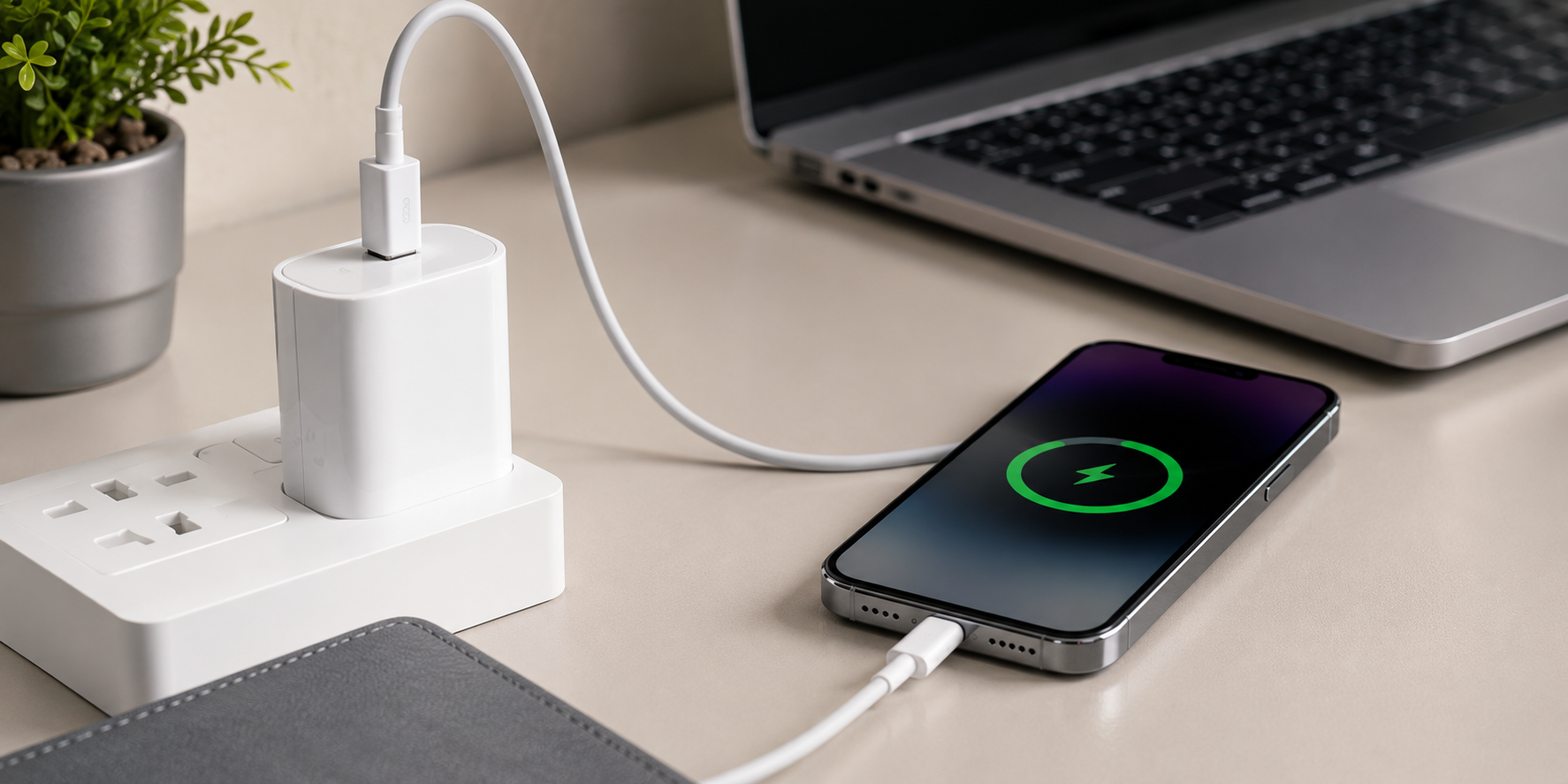
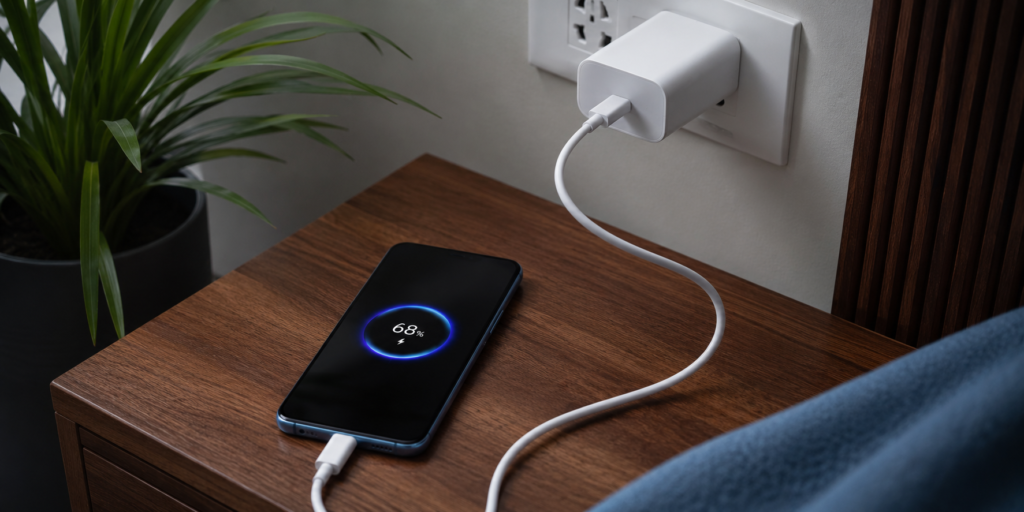
Fast charger technology has become a necessity for smartphone users who want to spend less time waiting and more time staying productive. Whether you’re working, traveling, attending classes, or simply managing your daily routine, slow charging can be frustrating when you need your device ready quickly.
Many people believe that buying a fast charger alone is enough to achieve maximum charging speed. However, charging performance depends on several factors, including charger compatibility, cable quality, device settings, battery condition, and charging habits.
The good news is that a few simple adjustments can significantly reduce charging time. By following the right practices, you can get more power in less time and improve your overall charging experience. This guide explains seven practical ways to charge your device faster while maintaining efficiency and safety.
1. Use a Compatible Fast Charger
The most important step is choosing a charger that supports your device’s charging technology. Many users continue using older adapters that provide limited power output, resulting in slower charging speeds.
Modern smartphones often support technologies such as USB Power Delivery (PD) or Quick Charge. Using a compatible fast charger allows your device to receive the maximum safe power it can handle.
Before purchasing a charger, always check your smartphone manufacturer’s charging specifications. A properly matched charger can significantly reduce charging time compared to a standard adapter.
2. Choose a High-Quality Charging Cable
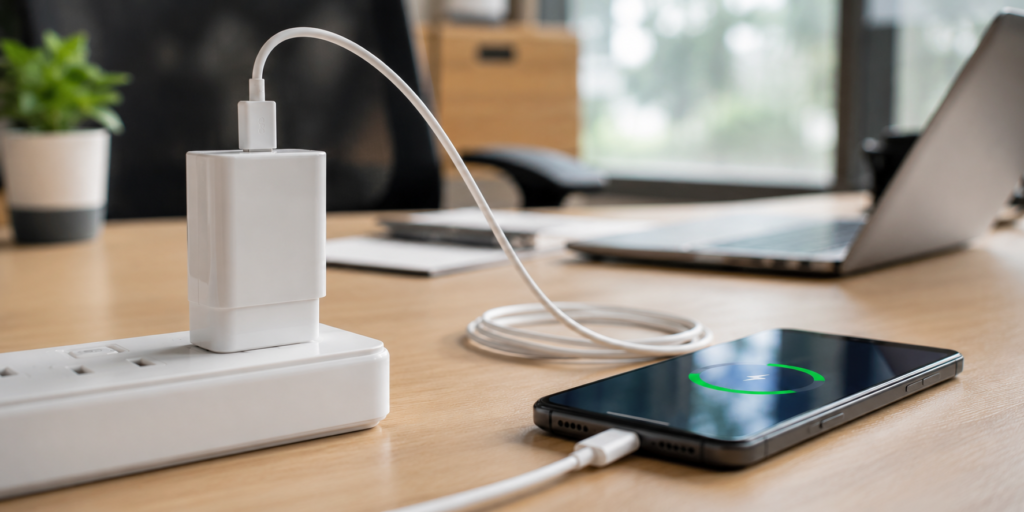
Even the best charger cannot deliver maximum performance without a reliable cable. Poor-quality cables often restrict power transfer and create charging bottlenecks.
Certified charging cables are designed to handle higher power delivery safely and efficiently. They also last longer and reduce the risk of overheating.
Investing in a quality cable may seem like a small upgrade, but it can noticeably improve charging speed and reliability.
3. Enable Fast Charging Settings
Many smartphones include built-in fast charging features that must be enabled in the device settings. If this option is turned off, your charger may operate at standard charging speeds.
You can usually find fast charging controls under battery settings or device care options. Activating the feature allows your smartphone to communicate effectively with the charger.
Taking a few seconds to verify these settings can help you get the full benefit of your fast charger.
4. Turn On Airplane Mode While Charging
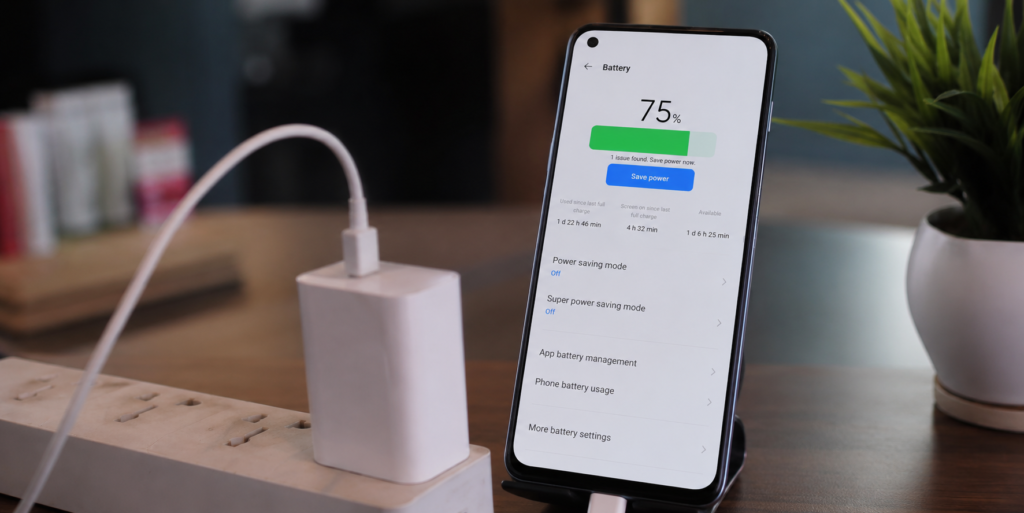
Airplane mode can help reduce charging time by minimizing background activities. When enabled, mobile networks, Bluetooth, and wireless connections consume less power.
As a result, more of the incoming energy goes directly into charging the battery rather than supporting active connections.
This method is particularly useful when you need a quick battery boost before leaving home or heading to an important meeting.
5. Avoid Using Your Phone During Charging
Many users continue browsing social media, streaming videos, or playing games while their devices charge. This habit slows down charging because the battery is simultaneously receiving and consuming power.
For the fastest charging experience, allow the device to remain idle during charging sessions.
This simple change can significantly improve charging efficiency and help your battery reach higher charge levels more quickly.
6. Keep Your Device Cool
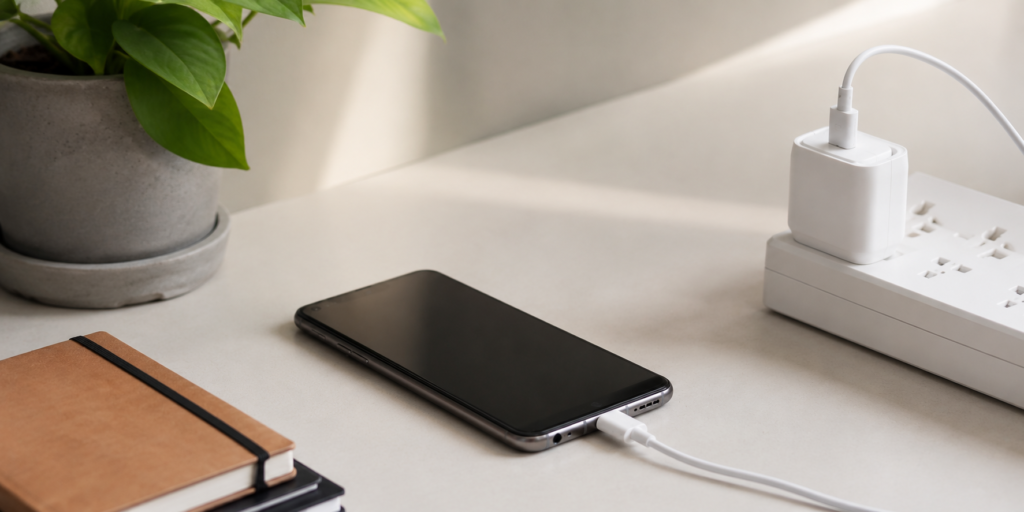
Heat is one of the biggest factors affecting charging speed. Smartphones automatically reduce charging rates when temperatures rise too high in order to protect the battery.
To maintain optimal charging performance:
| Factor | Impact on Charging Speed | Recommended Action |
|---|---|---|
| High Temperature | Slower charging | Charge in a cool room |
| Thick Phone Case | Increased heat buildup | Remove case if needed |
| Direct Sunlight | Charging slowdown | Keep device shaded |
| Heavy App Usage | More heat generation | Avoid usage while charging |
Charging your device in a cool environment helps maintain stable performance and supports faster charging speeds.
7. Clean the Charging Port Regularly
Dust, lint, and debris often accumulate inside charging ports over time. These particles can interfere with proper contact between the charging cable and device.
Regular cleaning helps ensure efficient power transfer and prevents unnecessary charging issues.
Use a soft brush or compressed air carefully to remove debris. Avoid using sharp objects that could damage internal components.
A clean charging port supports more reliable charging performance and can help maintain the effectiveness of your fast charger.
Conclusion
A fast charger can dramatically reduce charging time, but achieving the best results requires more than simply buying a powerful adapter. Using a compatible charger, selecting a quality cable, enabling fast charging settings, reducing background activity, avoiding phone usage during charging, managing device temperature, and maintaining a clean charging port all contribute to better charging performance.
By following these seven practical tips, you can spend less time connected to a power outlet and more time using your devices productively throughout the day.
Modern smartphones include battery management systems that regulate power delivery. Using a compatible fast charger from a trusted manufacturer is generally safe for daily use.
Slow charging can result from a damaged cable, disabled fast charging settings, excessive heat, background apps, or an incompatible charger.
Yes. A fast charger helps reduce charging time, improves convenience, and keeps your device ready for use when you need it most.
