

A wireless keyboard has become an essential accessory for professionals, students, and remote workers who want a cleaner and more flexible workspace. Unlike traditional wired keyboards, wireless models reduce cable clutter while providing freedom of movement and convenience.
Today, users expect more than just wireless connectivity. They look for comfort, durability, battery efficiency, and a smooth typing experience. Choosing the right keyboard can significantly improve productivity, especially for people who spend several hours typing every day.
This guide explains the key features that matter most when selecting a wireless keyboard and how they can improve your daily workflow.
Why a Wireless Keyboard Is Popular Today
Wireless technology has transformed the way people work. A wireless keyboard allows users to position their keyboard wherever they feel most comfortable without being restricted by cable length.
Modern devices also support multiple connections, making it easier to switch between laptops, tablets, and smartphones. This flexibility is particularly useful for professionals who work across different devices throughout the day.
In addition, wireless workspaces often look cleaner and more organized. A clutter-free desk can contribute to better focus and productivity.

Connectivity Options in Modern Keyboards
Bluetooth Connectivity
Bluetooth is one of the most common wireless technologies available today. It allows keyboards to connect directly to laptops, tablets, and smartphones without requiring an additional receiver.
Bluetooth-enabled keyboards are ideal for users who frequently switch between devices.
USB Receiver Connectivity
Many wireless keyboards use a small USB receiver that provides a stable and fast connection. This option is often preferred by office workers and gamers because of its reliability.
Multi-Device Pairing
Some advanced models support simultaneous pairing with multiple devices. With a single button press, users can switch between a computer, tablet, or smartphone.
This feature saves time and improves workflow efficiency.
Ergonomic Design for Comfortable Typing
Comfort is one of the most important factors when choosing a keyboard. Poor typing posture can lead to fatigue and discomfort during long working sessions.
An ergonomic wireless keyboard is designed to support natural hand positioning. Features such as wrist rests, curved layouts, and adjustable tilt angles help reduce strain.
Users who spend several hours typing every day often benefit from ergonomic designs because they promote healthier posture and greater comfort.
A comfortable keyboard can also improve typing accuracy by reducing unnecessary hand movement.

Battery Life and Charging Performance
Battery performance plays a major role in the overall user experience. Nobody wants their keyboard to stop working during an important meeting or project.
Many modern wireless keyboards offer impressive battery life ranging from several weeks to several months. Rechargeable models are especially popular because they eliminate the need for disposable batteries.
Energy-saving features such as automatic sleep mode help extend battery performance even further.
When comparing products, users should consider:
| Feature | Why It Matters |
|---|---|
| Rechargeable Battery | Reduces long-term costs |
| USB-C Charging | Faster and more convenient charging |
| Sleep Mode | Conserves battery power |
| Battery Indicator | Prevents unexpected shutdowns |
| Long Battery Life | Minimizes interruptions |
A keyboard with efficient battery management provides a more reliable daily experience.
Key Switch Types and Typing Feel
Membrane Keyboards
Membrane keyboards are generally quieter and more affordable. They are suitable for office environments where noise reduction is important.
Mechanical Keyboards
Mechanical keyboards provide better tactile feedback and durability. Many writers, programmers, and professionals prefer them because of their precise key response.
Low-Profile Keyboards
Low-profile designs combine comfort and portability. Their slim structure makes them easy to carry while maintaining a comfortable typing experience.
The ideal choice depends on personal preference, typing habits, and work requirements.
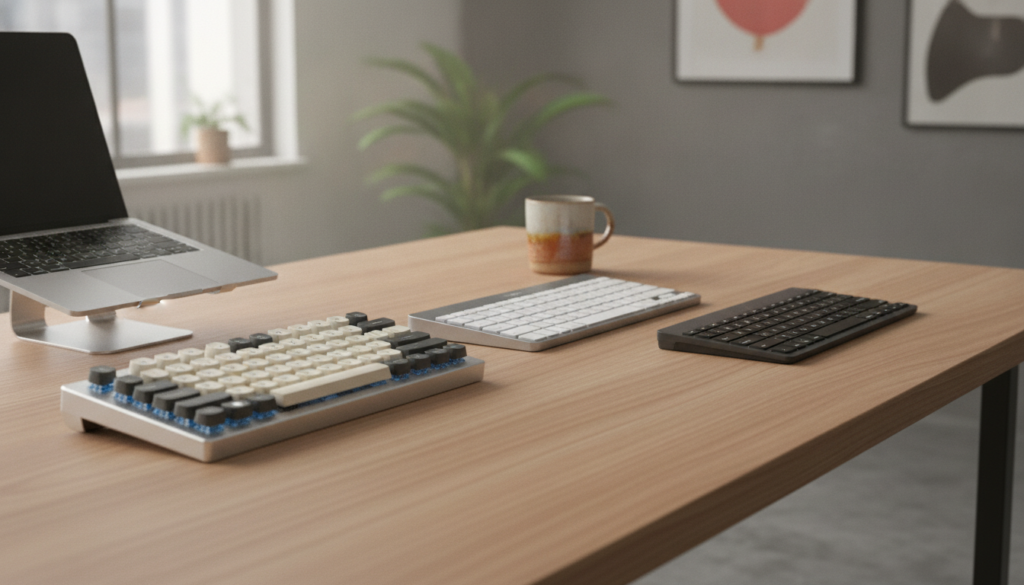
Essential Features Comparison
Backlit Keys
Backlit keyboards improve visibility in low-light environments. This feature is particularly useful for professionals who work during evenings or travel frequently.
Quiet Typing
Many users prefer keyboards with silent or low-noise keys, especially in shared workspaces and offices.
Compact Layout
Compact keyboards save desk space and are easier to transport. They are a practical choice for students and remote workers.
Build Quality
A durable keyboard provides better long-term value. Materials such as aluminum frames and high-quality keycaps contribute to improved longevity.
These features collectively enhance usability and create a more satisfying typing experience.
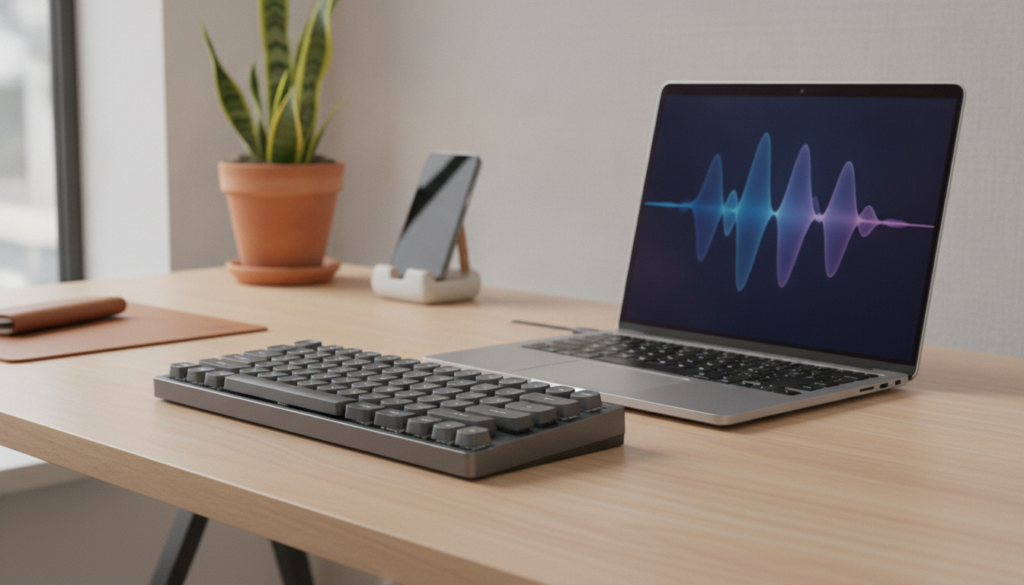
Choosing the Right Wireless Keyboard
Before purchasing a wireless keyboard, consider how you plan to use it.
If you primarily work in an office, comfort and battery life should be top priorities. For frequent travelers, portability and lightweight design may be more important. Users who spend long hours typing may benefit from ergonomic layouts and mechanical switches.
It is also wise to evaluate compatibility with your devices. Most modern keyboards support Windows, macOS, Android, and iOS, but checking specifications before buying can prevent future issues.
A thoughtful purchase decision ensures better performance, comfort, and long-term satisfaction.
Conclusion
A wireless keyboard is more than just a convenient accessory. It plays an important role in productivity, comfort, and overall user experience. Features such as reliable connectivity, ergonomic design, long battery life, and quality key switches can significantly improve daily work and typing efficiency.
By understanding these essential features, you can confidently choose a wireless keyboard that matches your needs and helps create a more comfortable and productive workspace.
A wireless keyboard eliminates cable clutter and provides greater flexibility in workspace arrangement. It also supports easier movement and cleaner desk organization.
Yes. Modern wireless keyboards offer reliable connectivity, excellent battery life, and comfortable typing features that make them suitable for professional use.
Battery life varies by model. Many modern keyboards last from several weeks to several months on a single charge, depending on usage and features.
