

A gaming monitor plays a major role in determining how smooth, responsive, and enjoyable your gaming experience feels. While many gamers focus heavily on graphics cards and processors, the monitor is the device that actually displays every frame your system produces.
A high-quality display can improve reaction times, reduce motion blur, and deliver sharper visuals. Whether you enjoy competitive esports titles or immersive story-driven games, choosing the right monitor can make a noticeable difference. Understanding the key features behind monitor performance helps you invest in a display that matches your gaming needs and budget.
Why Gaming Monitor Performance Matters
A monitor does more than simply show images on a screen. It directly affects how quickly you can react to in-game situations and how realistic the visuals appear.
Modern games feature fast-moving scenes, detailed environments, and advanced graphics effects. A display that cannot keep up may introduce screen tearing, ghosting, or blurry motion. Therefore, selecting a monitor designed specifically for gaming can provide a smoother and more comfortable experience during long gaming sessions.
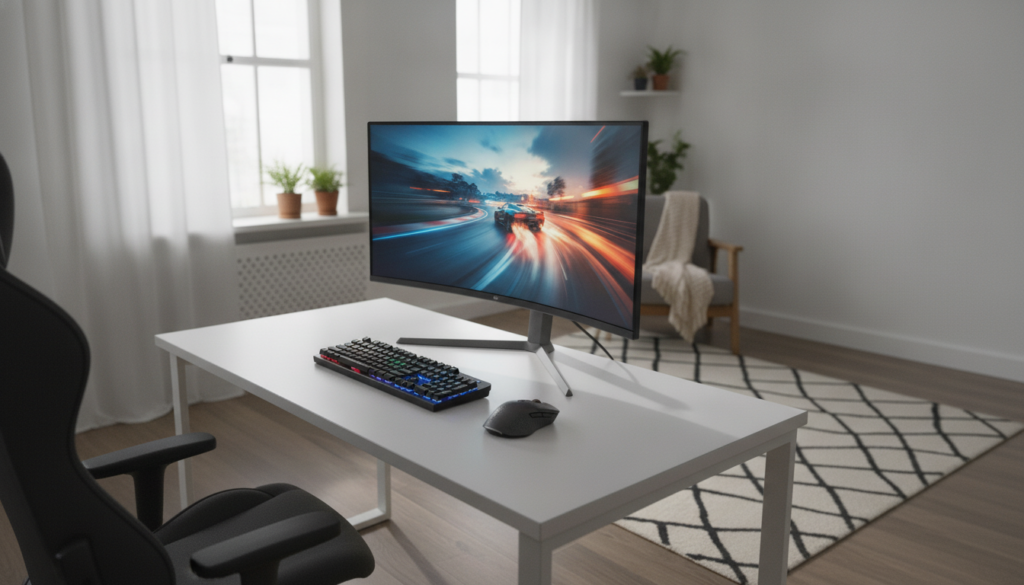
Refresh Rate and Smooth Gameplay
Refresh rate refers to the number of times a monitor updates the image every second. It is measured in Hertz (Hz).
A higher refresh rate creates smoother motion and improves overall gameplay responsiveness. This is especially important for competitive games where quick reactions matter.
Common Refresh Rate Options
| Refresh Rate | Best For | Experience Level |
|---|---|---|
| 60Hz | Casual gaming | Basic smoothness |
| 120Hz | Console gaming | Noticeably smoother |
| 144Hz | Competitive gaming | Excellent balance |
| 240Hz | Esports players | Very fast response |
| 360Hz+ | Professional esports | Maximum performance |
Many gamers today consider 144Hz the ideal starting point because it delivers smooth gameplay without significantly increasing cost.
Response Time and Motion Clarity
Response time measures how quickly pixels change from one color to another. Lower response times help reduce motion blur and ghosting.
Fast-paced games such as racing, shooting, and battle royale titles benefit greatly from lower response times. A monitor with a response time of 1ms to 5ms generally provides a responsive gaming experience.
When evaluating specifications, it is important to balance response time with overall image quality. Extremely aggressive settings can sometimes reduce visual accuracy.

Resolution and Image Quality
Resolution determines the number of pixels displayed on the screen. More pixels generally result in sharper images and greater visual detail.
Common gaming resolutions include:
Full HD (1920×1080)
This remains the most popular choice among gamers due to its affordability and ability to achieve high frame rates.
Quad HD (2560×1440)
Often considered the sweet spot between performance and visual quality. It delivers noticeably sharper images than Full HD.
4K Ultra HD (3840×2160)
Provides exceptional detail and visual clarity. However, it requires powerful hardware to maintain high frame rates in modern games.
The ideal resolution depends on your graphics card capability, gaming preferences, and budget.
Display Panel Technologies
The panel type significantly influences color accuracy, viewing angles, and response performance.
IPS Panels
IPS displays offer excellent color reproduction and wide viewing angles. They are suitable for gamers who value visual quality alongside gaming performance.
VA Panels
VA panels provide strong contrast ratios and deeper blacks. They are popular among players who enjoy cinematic and story-focused games.
TN Panels
TN technology typically offers very fast response times and competitive pricing. Although image quality may be lower than IPS alternatives, they remain popular in esports environments.

Important Gaming Monitor Features
Modern monitors include additional technologies that improve gameplay quality.
Adaptive Sync Technology
Technologies like AMD FreeSync and NVIDIA G-SYNC help eliminate screen tearing and stuttering by synchronizing monitor refresh rates with graphics card output.
HDR Support
High Dynamic Range improves brightness, contrast, and color depth, creating more realistic visuals.
Curved Displays
Curved monitors increase immersion by wrapping the image slightly around your field of view. They are especially popular in ultrawide gaming setups.
Connectivity Options
Look for HDMI 2.1, DisplayPort, USB ports, and audio outputs to ensure compatibility with gaming PCs and consoles.
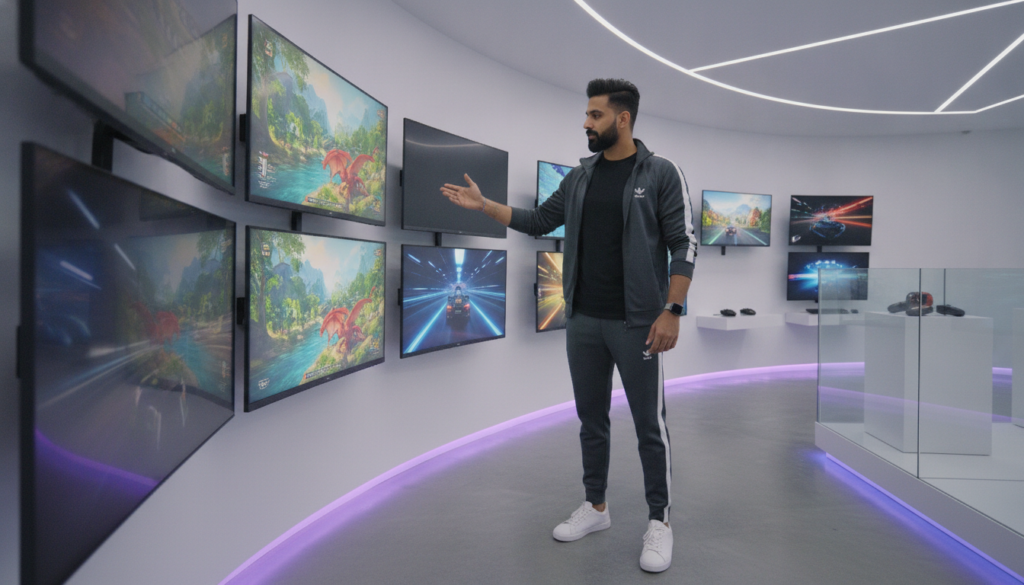
Choosing the Right Gaming Monitor
The best gaming monitor depends on your personal gaming style.
Competitive players often prioritize high refresh rates and low response times. Meanwhile, single-player enthusiasts may focus more on image quality, HDR performance, and larger screen sizes.
Before purchasing, consider:
- Your gaming platform
- Graphics card capability
- Preferred game genres
- Available desk space
- Budget range
Balancing these factors helps you find a monitor that delivers strong performance without overspending.
Conclusion
A gaming monitor is one of the most important components of any gaming setup. Features such as refresh rate, response time, resolution, panel technology, and adaptive sync directly influence gaming performance and visual quality.
By understanding these factors, you can confidently choose a display that matches your gaming goals. Whether you are a casual player or a competitive gamer, investing in the right gaming monitor can significantly improve your overall gaming experience.
For most gamers, 144Hz offers an excellent balance between smooth gameplay, performance, and affordability. Competitive players may prefer 240Hz or higher.
A 4K monitor is worth considering if you have a powerful graphics card and want the highest level of visual detail. Otherwise, 1440p often provides a better balance.
IPS panels are generally the best all-around choice because they combine strong color accuracy, good viewing angles, and excellent gaming performance.
