
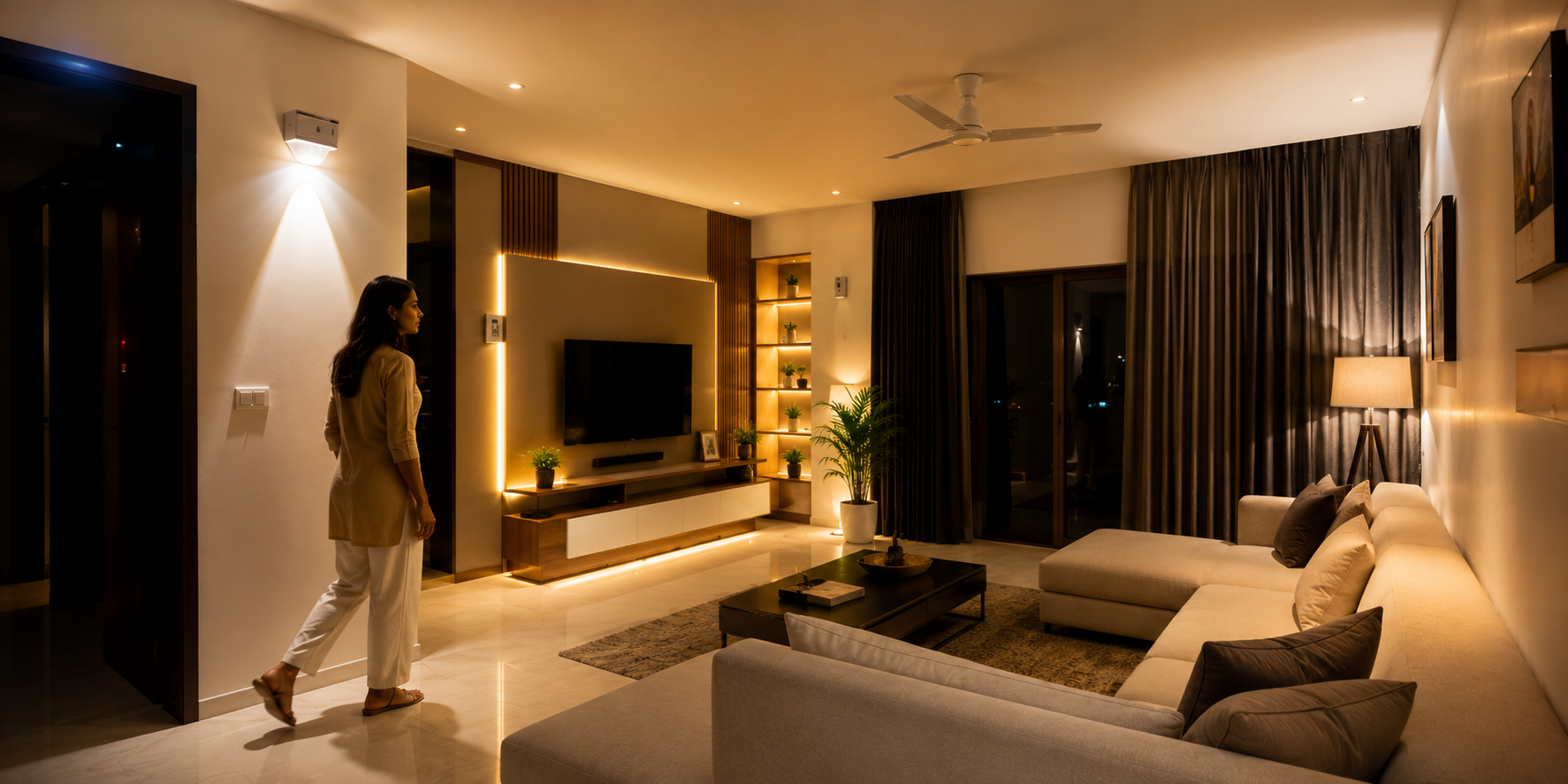
Motion sensor lights are one of the most convenient lighting solutions for homes and businesses. They automatically turn on when movement is detected and switch off when no activity is sensed. This helps save energy, improves security, and reduces electricity costs.
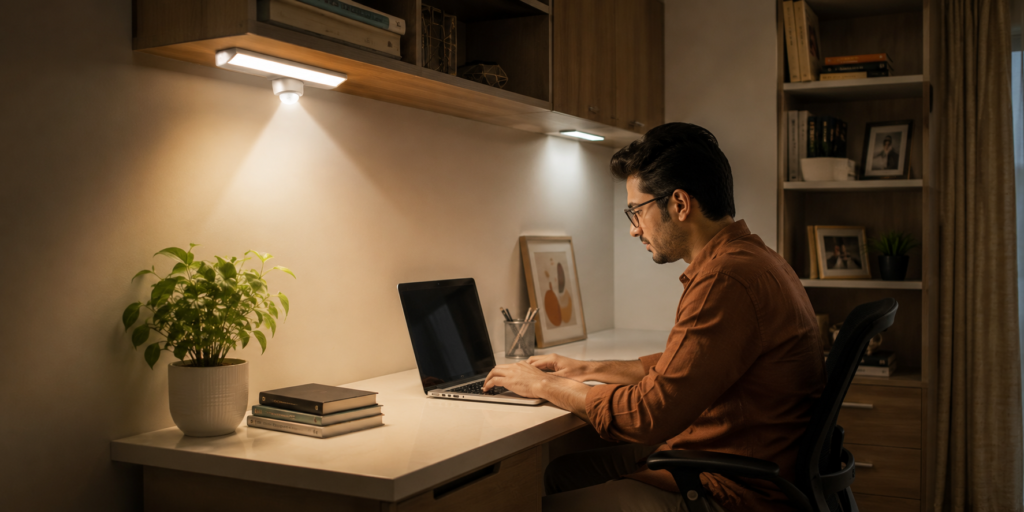
However, many people face a common problem: the lights turn off while they’re still in the room. This usually happens when you’re reading, working at a desk, watching TV, or performing tasks that involve very little movement. Fortunately, there are several ways to keep your motion sensor lights on for longer periods without constantly waving your hands to reactivate them.
This guide explains the most effective methods to prevent motion sensor lights from turning off when you’re not moving.
1. Why Motion Sensor Lights Turn Off
Understanding how motion sensor lights work can help you solve the problem more effectively.
Most models use Passive Infrared (PIR) technology, which detects changes in heat and movement. When movement stops, the sensor starts a countdown timer. Once the timer expires, the light automatically turns off.
This system works perfectly in hallways, driveways, and entrances where people are constantly moving. However, it may struggle in areas where someone remains seated or stationary for extended periods.
Common situations include:
- Reading a book
- Working on a computer
- Watching television
- Studying
- Using a workshop bench
When movement becomes minimal, the sensor may mistakenly assume the room is empty.
2. Adjust the Time Delay Settings
The simplest solution is adjusting the light’s timer settings.
Many motion sensor lights allow users to control how long the light remains on after detecting movement. Depending on the model, the timer can often be set anywhere from 30 seconds to 30 minutes.
Recommended Timer Settings
| Location | Suggested Timer |
|---|---|
| Hallways | 1–2 minutes |
| Bathrooms | 3–5 minutes |
| Home Offices | 10–15 minutes |
| Garages | 15–20 minutes |
| Workshops | 20–30 minutes |
If your light keeps turning off too quickly, increasing the delay time can significantly improve the user experience.
3. Increase Sensor Sensitivity
Many motion sensor lights include a sensitivity adjustment feature.
If sensitivity is set too low, the sensor may fail to detect small movements such as:
- Typing on a keyboard
- Turning pages
- Moving your head
- Reaching for tools
Increasing sensitivity helps the sensor recognize minor activity and keeps the light activated longer.
However, avoid setting sensitivity too high, especially outdoors, as it may react to pets, passing vehicles, or moving tree branches.
4. Use Manual Override Mode
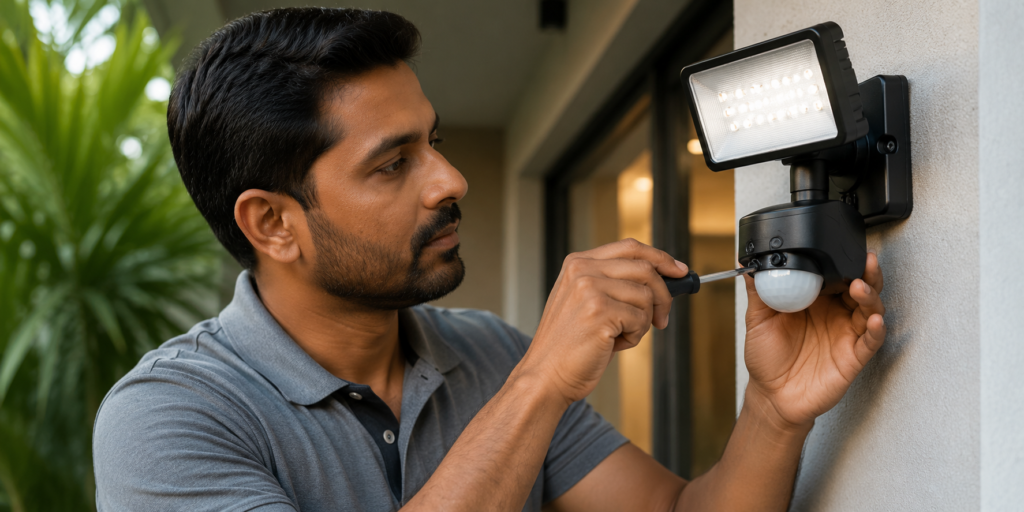
Many modern motion sensor lights include a manual override function.
This feature allows the light to stay continuously on until manually switched off or reset.
Typically, manual override can be activated by:
- Turning the light switch off.
- Turning it back on within a few seconds.
- Repeating the process if required by the manufacturer.
The exact procedure varies by model, so checking the user manual is recommended.
Manual override is particularly useful for:
- Family gatherings
- Outdoor parties
- Garage projects
- Long work sessions
5. Upgrade to Occupancy Sensors
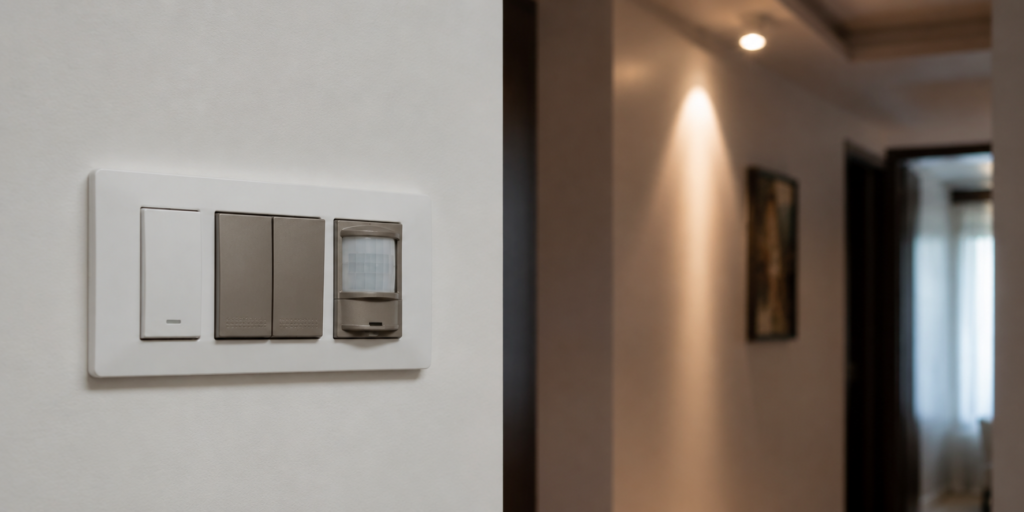
If traditional motion sensor lights continue causing problems, upgrading to occupancy sensors may be worthwhile.
Unlike standard motion sensors, occupancy sensors are designed to detect ongoing presence rather than just movement.
These systems use advanced technologies such as:
- Ultrasonic detection
- Microwave sensing
- Dual-technology sensors
As a result, they can recognize people even when movement is minimal.
Occupancy sensors are ideal for:
- Home offices
- Conference rooms
- Libraries
- Study rooms
- Workshops
Although they may cost more initially, they provide a much better experience in areas where people remain seated for long periods.
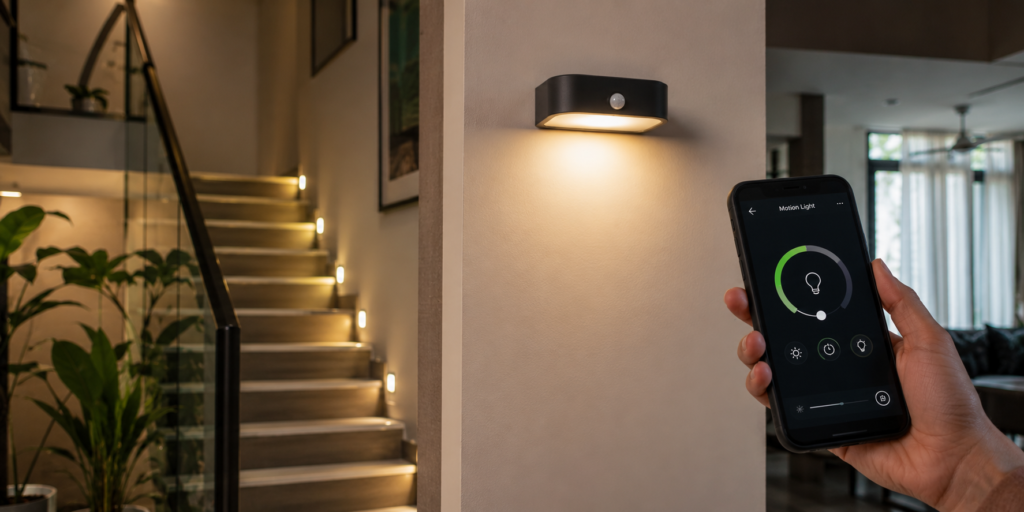
6. Install Smart Motion Sensor Lights
Smart home technology offers another excellent solution.
Modern smart motion sensor lights often include app-based controls that allow users to:
- Extend lighting duration
- Create custom schedules
- Adjust sensitivity remotely
- Activate manual modes
- Integrate with voice assistants
Many systems can even combine motion detection with occupancy detection for more reliable performance.
This approach is particularly beneficial for homeowners building a smart home ecosystem.
7. Common Mistakes to Avoid
Even high-quality motion sensor lights can perform poorly if installed incorrectly.
Poor Sensor Placement
Sensors should have a clear view of the area where activity occurs. Furniture, partitions, and shelving can block detection.
Wrong Mounting Height
Installing sensors too high or too low can reduce their effectiveness.
Extreme Temperatures
Very hot or cold environments may affect some PIR sensors.
Ignoring Coverage Angles
Always check the manufacturer’s recommended detection range and coverage area.
Avoiding these mistakes can significantly improve performance and reduce unnecessary shutoffs.
Conclusion
Motion sensor lights are an excellent way to improve convenience, security, and energy efficiency. However, they can become frustrating when they switch off while you’re still using a room.
Fortunately, there are several effective solutions. Adjusting timer settings, increasing sensitivity, using manual override mode, upgrading to occupancy sensors, and investing in smart lighting technology can all help keep lights on longer when you’re not moving.
By choosing the right approach for your space, you can enjoy the benefits of motion sensor lights without the inconvenience of unexpected darkness.
Yes. Many models include a manual override mode that allows the light to remain continuously on until the setting is disabled.
Most motion sensors detect movement rather than presence. When movement stops for a certain period, the sensor assumes the area is empty and switches the light off.
For offices, study rooms, and workspaces where people remain stationary, occupancy sensors are generally more effective because they detect presence more accurately.
